The next evolution of Projects
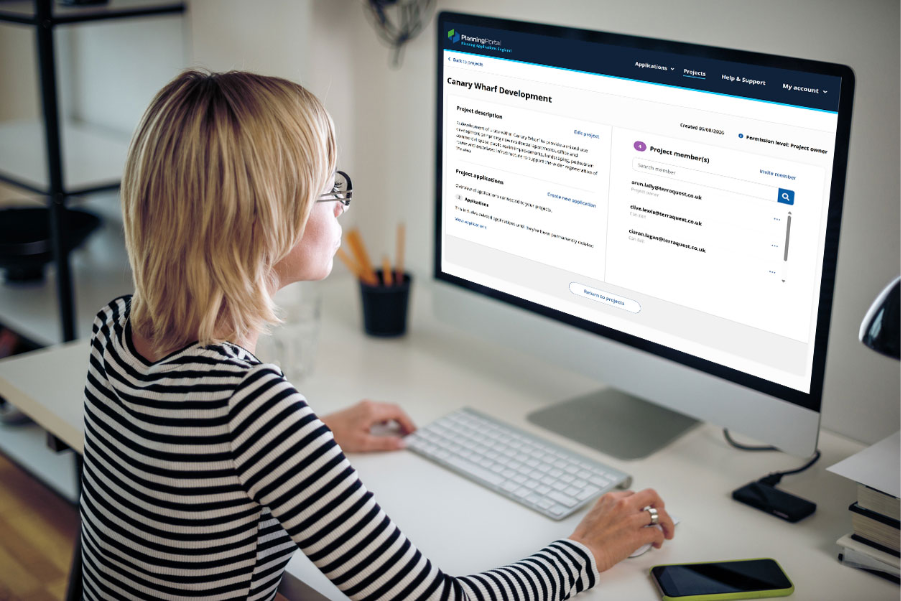
Within Planning Portal, Projects gives users a place to bring related applications together. As the needs of professionals continue to evolve, so does Projects.
We’ve now expanded that capability so you can create and manage multiple projects, making it easier to organise work across a wider range of properties, developments and clients. Recent enhancements build on the Projects workflows, giving users greater flexibility to manage multiple projects, collaborate with others and keep track of applications as work progresses.
This continued development forms part of our wider commitment to make the planning application journey smarter and more efficient – building on recent SmartApply enhancements to help professionals plan, prepare and submit planning applications more effectively.
Manage multiple projects in one place
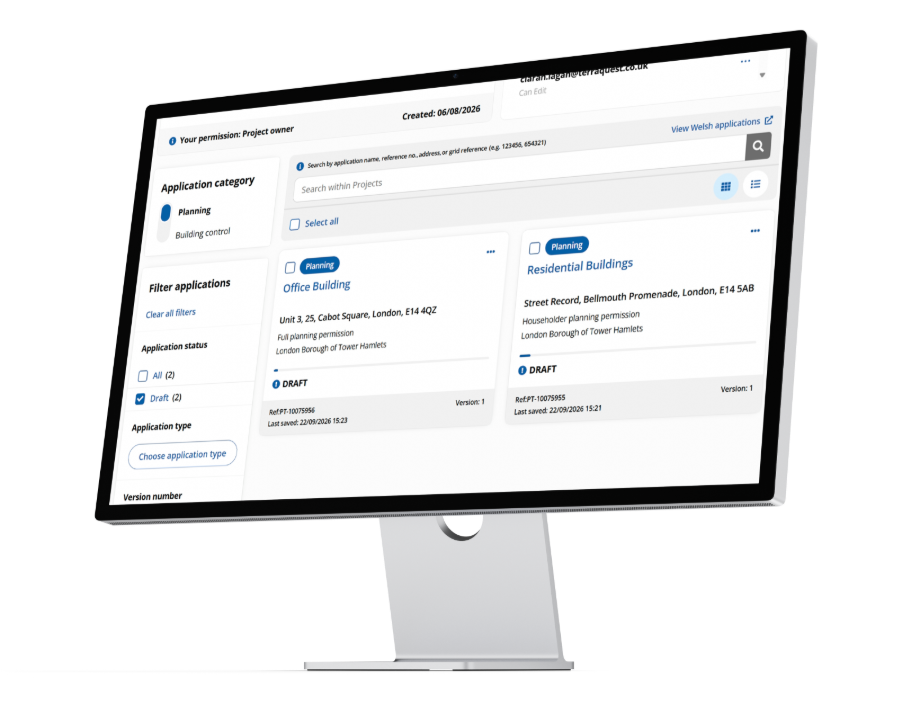
Multiple Projects is now live, where you can create dedicated project workspaces and group related Planning and Building Control applications within them. Whether you’re working across several sites for one client or managing different developments, you can organise applications in a way that reflects how you work.
Applications can also be moved between projects as requirements change, making it easier to collaborate as projects evolve, giving users greater visibility across their different areas of activity.
Collaborate across projects
You can continue to share Projects with other users, bringing the people and applications together in one place and making it easier to coordinate work as it progresses. Project owners can also manage stakeholder permissions, giving them control over who has access to each project.
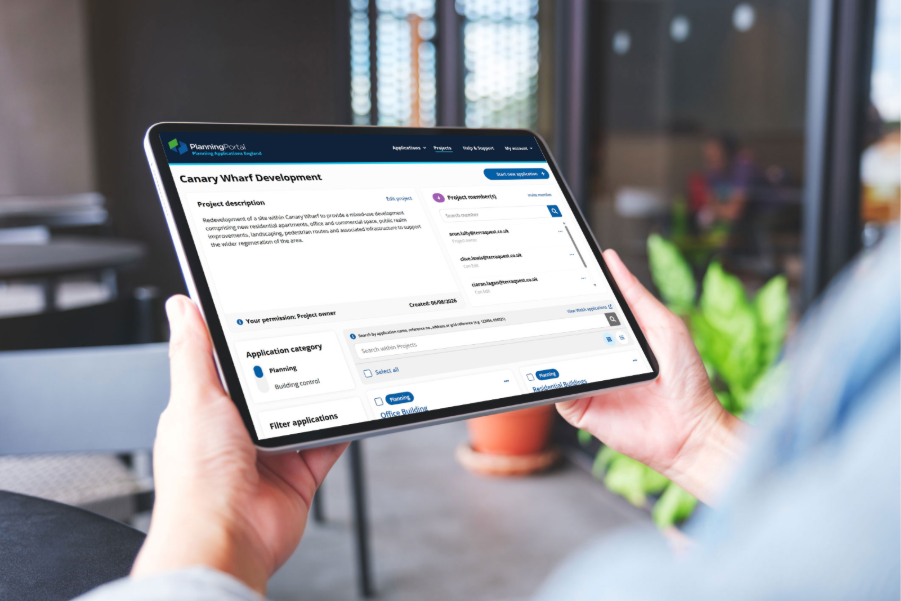
Move applications in bulk
As the number of projects and applications you manage grows, so does the need to manage them more efficiently.
For professionals with applications already under way, setting up a project shouldn’t mean moving each one individually. You can now select multiple applications and move them into a project, making it easier to bring related work together and organise larger numbers of applications.
Stay informed about project activity
When several people are working within a project, it helps to know when something new has been added. Project owners will now receive an email notification when an application is added to their project, so you can stay informed as activity develops without needing to check each workspace regularly.
Keep projects organised
As work progresses, some projects will come to an end or no longer be needed. You can delete projects, helping you keep your project list relevant to the work you’re currently managing. We’ve also refreshed the Project Overview and Project Applications pages to make it easier to navigate projects, find applications and keep track of activity day to day.
Continuing to evolve Projects
The latest enhancements represent the next step in the evolution of Projects, building on an established part of the Planning Portal journey.
By supporting multiple projects, making it easier to collaborate and giving users more flexibility to organise applications, we’re helping professionals manage increasingly complex work in one place.
The focus is on better organisation, greater collaboration and more visibility across projects, helping professionals spend less time managing applications and more time on the work itself.
Projects will continue to evolve. We’ll keep working with the professionals and organisations using Planning Portal, listening to their feedback and using it to shape future improvements.


